 Lekto
Lekto
Timetable from a photo
Make a timetable from a photoNo retyping the whole week.
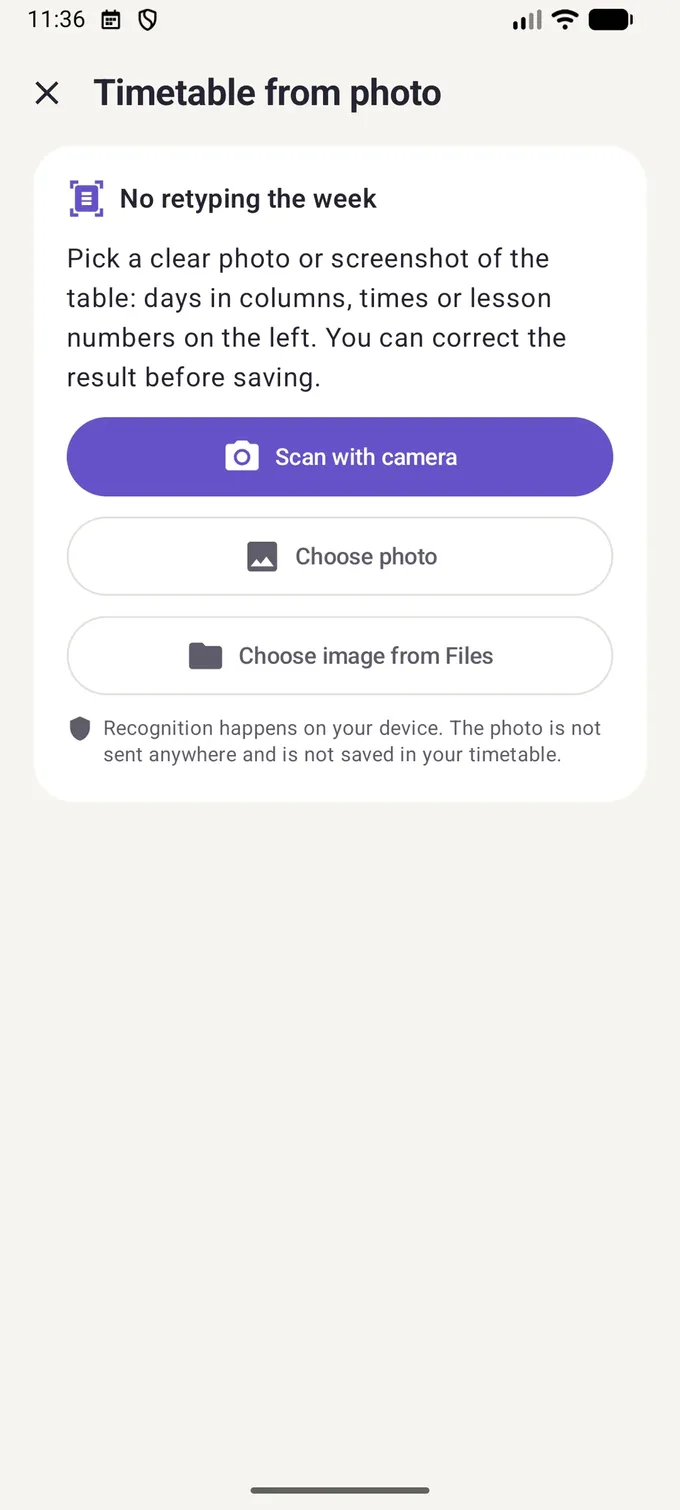
Scan the printed timetable or pick a screenshot. Lekto reads days, times and subjects, and you check the result before saving.
- Works offline
- The photo never leaves your phone
- In the free version
Step by step
How to turn a photo into a timetable
Open "Timetable from photo"
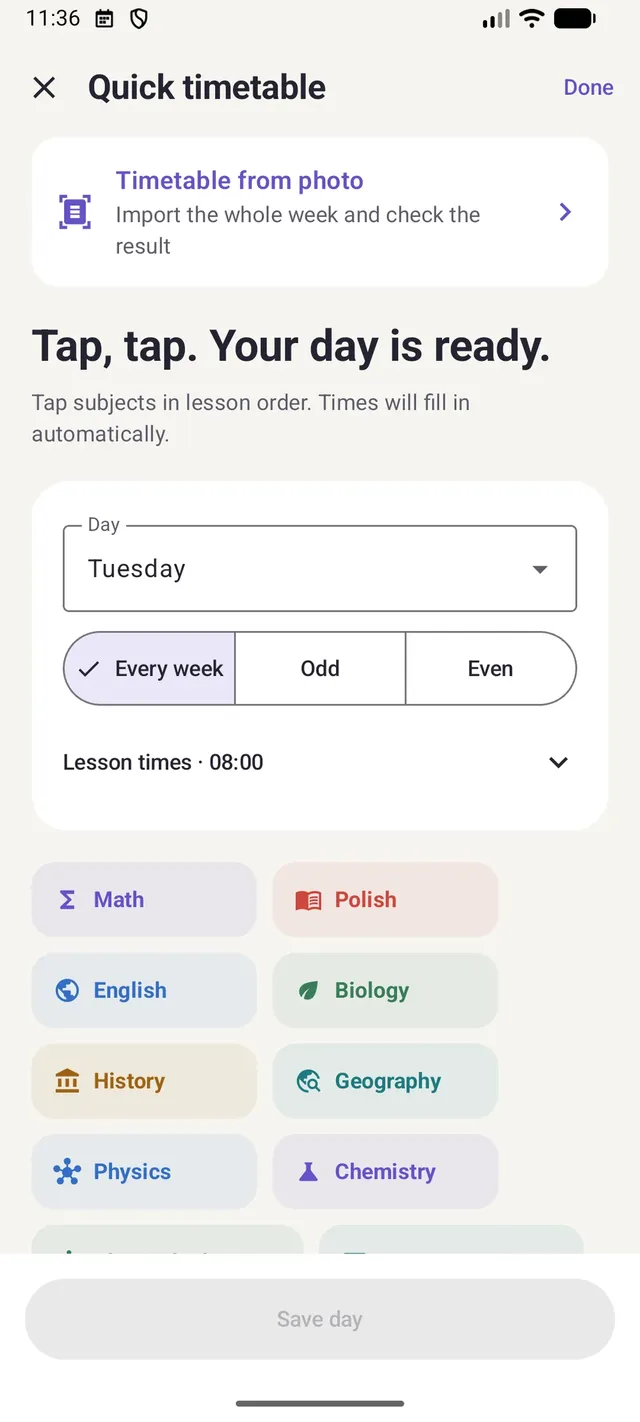
It's at the top of the timetable setup and under the plus button on the Today screen.
Scan or pick an image
The scanner crops the page for you. You can also choose a photo or a file.
Review the lessons
Lekto shows a preview. Fields it isn't sure about are marked for you to fix.
Save
Before saving, Lekto checks for conflicts with lessons you already have.
Works best with a printed table: days in columns, times or lesson numbers on the left. Handwriting isn't recognised.
A good photo = fewer fixes
How to take a photo that reads well
A few seconds of preparation saves minutes of corrections.
- Lay the page flat in even light, without your phone's shadow
- Capture the whole table, including the day headers and the time column
- A screenshot works better than a photo of a screen
- If your timetable has A/B weeks, set the parity after importing
Questions about the photo import
Is the photo uploaded anywhere?
No. Text recognition runs on your phone (Apple Vision on iPhone, Google ML Kit on Android). The photo isn't stored in your timetable or sent to Lekto's servers.
What if Lekto misreads a subject?
You see a preview of every lesson before saving and can fix any field or delete a wrong lesson. Nothing is saved automatically.
Does it read handwritten timetables?
No. Lekto needs a printed or on-screen table.
Is the photo import paid?
No, it's part of the free version.
Guides
Student guides
Practical advice on timetables, studying and the school year.
The first guides are on their way.
Set up your timetable once. Lekto does the rest.
Take a photo of your timetable, check the result and add a widget. Free, no account, no ads.
Lekto for Android is coming to Google Play very soon.